SmartMove Powered
Get the Midcoast Taxis App
Book your next taxi from your phone — for immediate travel or a later date. Available free on iPhone and Android.
Free Download
Download Our App
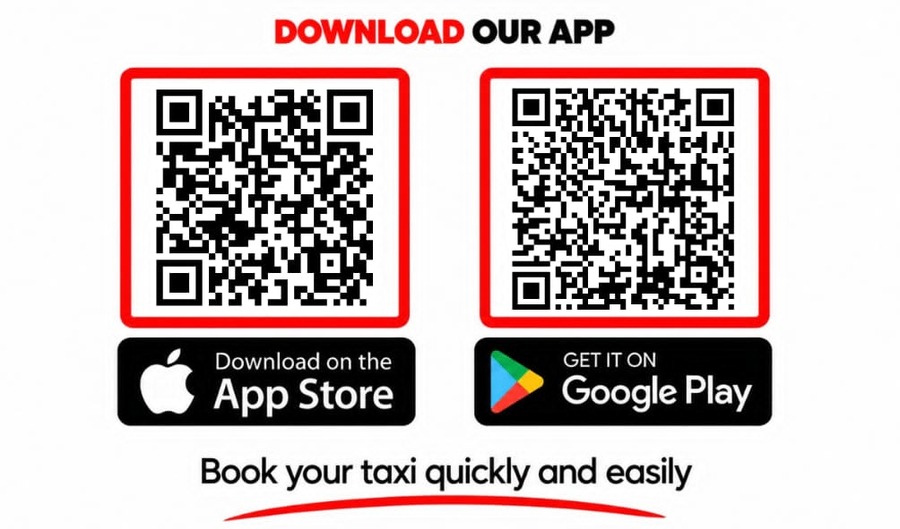
Scan the QR code with your phone camera, or search Midcoast Taxis in the App Store or Google Play Store.
Step-by-Step
How to Download the App
Download on iPhone
- Open the App Store.
- Tap Search and type Midcoast Taxis.
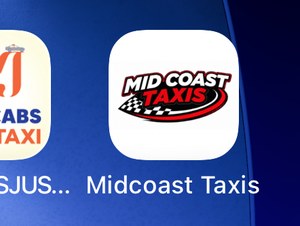
- Look for the red, black and white Mid Coast Taxis logo on a white background.
- Tap Get or the download symbol, then confirm the download if prompted.
- Once installed, tap Open.
Download on Android
- Open the Google Play Store.
- Search for Midcoast Taxis.
- Look for the red, black and white Mid Coast Taxis logo on a white background.
- Tap Install.
- Once installed, tap Open.
First Time?
Set Up the App
Follow the on-screen prompts to create an account or sign in. Complete any verification requested.
If prompted, allow location access while using the app to help find your pickup address.
Allow notifications if you would like to receive booking updates and confirmations.
 App Menu
 Dark Mode
Using the App
How to Book a Taxi
Five easy steps from opening the app to confirming your booking.
Check your pickup address
The top address box shows where you will be collected. Tap it to enter or correct the address. Always check the street number, street name and suburb.
Enter your destination
Tap Where to? and enter where you want to go. Select the correct location from any suggestions shown.
Choose your vehicle
Tap Any Vehicle to view the available options and choose one that suits your trip.
Choose when to travel
Tap BOOK NOW to request a taxi as soon as possible, or BOOK LATER and follow the prompts to choose a date and time.
Review and complete your booking
Follow any remaining prompts, check your trip details and look for the app's booking confirmation.
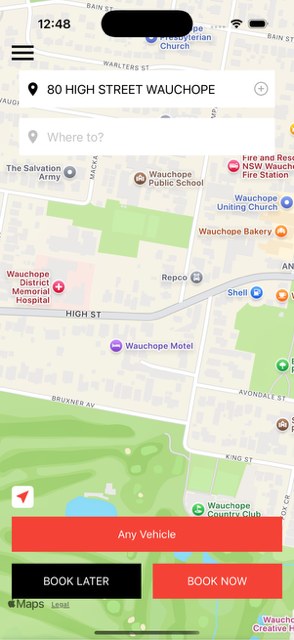 Book a Ride
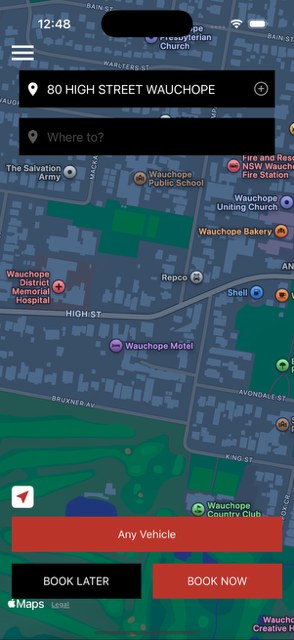 Dark Mode
Still Need a Hand? Call Us Direct.
No AI answering our calls — speak with a real person, 24 hours a day, 7 days a week.